![qpbvjgyfsatax1w7v6mw.png]](https://knowledge.junipeer.io/hs-fs/hubfs/qpbvjgyfsatax1w7v6mw.png?width=300&height=91&name=qpbvjgyfsatax1w7v6mw.png)
Purpose
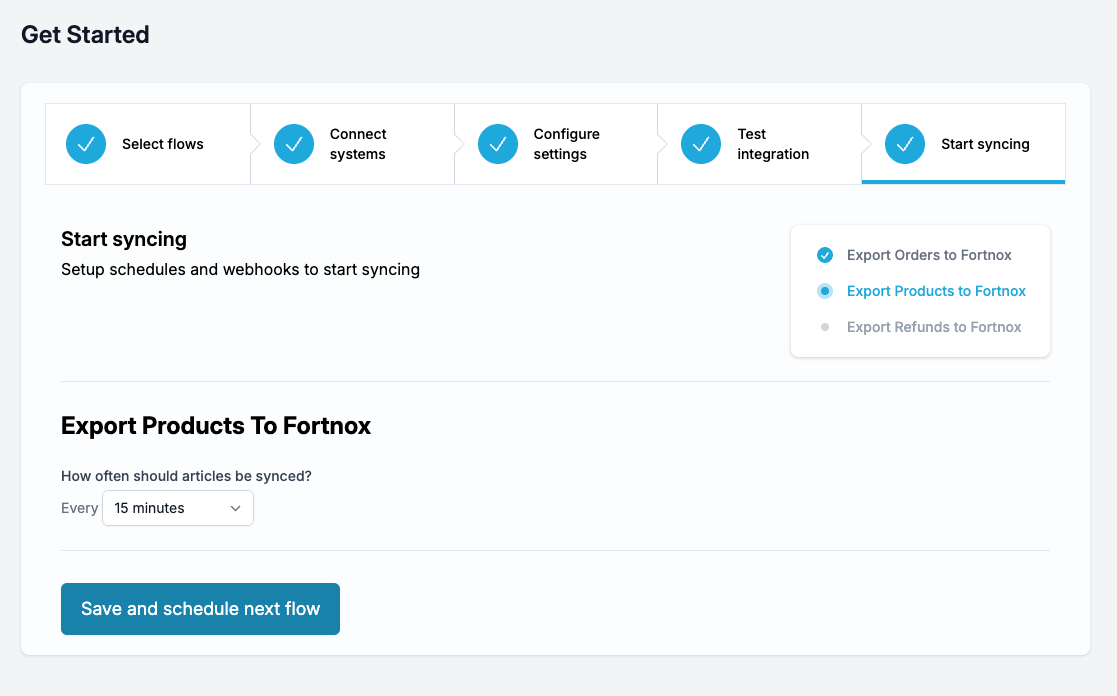
Activate automated syncing so data moves between your systems on a schedule.
Steps
-
For each flow, choose how often it should run (for example every 5 minutes).
-
Click Save and schedule next flow until all flows have a schedule.
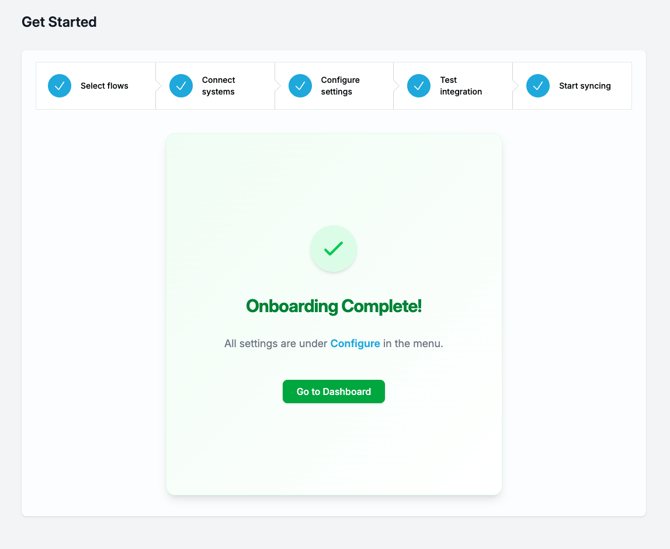
Your integration is now live and Junipeer will automatically keep data in sync.
You can also use webhooks if the integration allows and/or has compatability for this.