![qpbvjgyfsatax1w7v6mw.png]](https://knowledge.junipeer.io/hs-fs/hubfs/qpbvjgyfsatax1w7v6mw.png?width=300&height=91&name=qpbvjgyfsatax1w7v6mw.png)
Purpose
Make sure each flow works correctly before you go live.
Steps
-
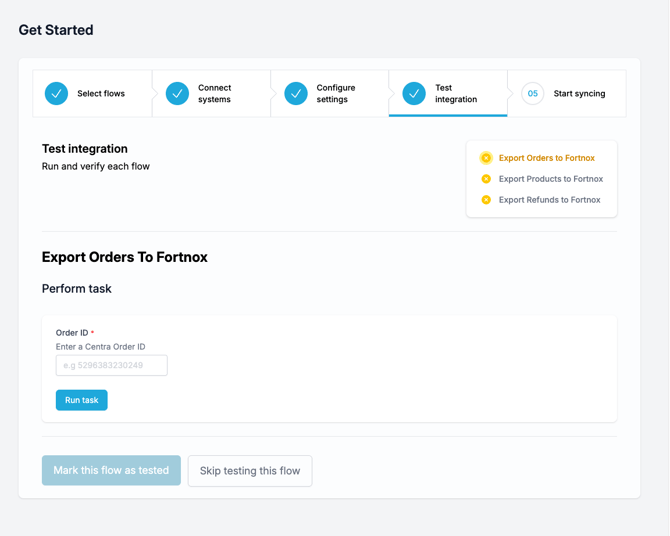
For each flow, follow the on-screen instructions to perform a test.
-
For example, you might enter an order ID or similar identifier.
-
-
Click Run task to start the test.
-
If successful, click Mark this flow as tested.
-
You can also Skip testing, but testing is recommended.
-
After all flows are tested, continue to the final step.