![qpbvjgyfsatax1w7v6mw.png]](https://knowledge.junipeer.io/hs-fs/hubfs/qpbvjgyfsatax1w7v6mw.png?width=300&height=91&name=qpbvjgyfsatax1w7v6mw.png)
Steps
-
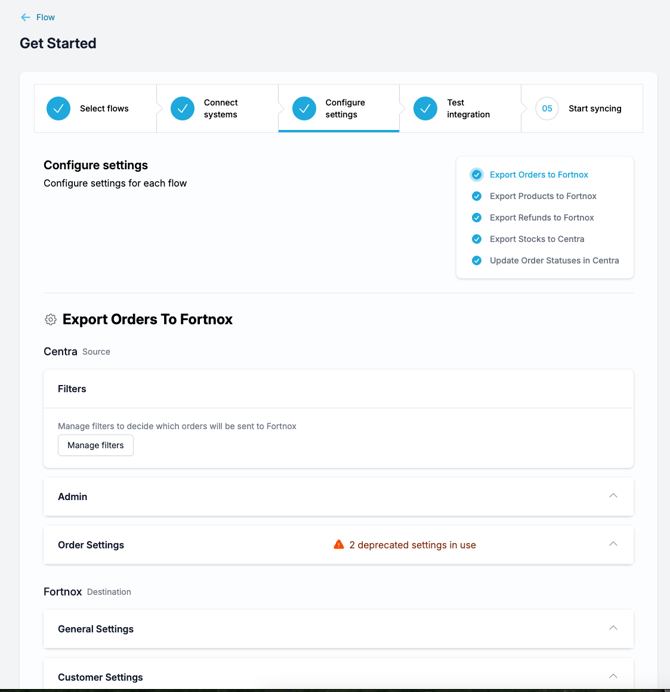
Select a flow (for example Export Orders) to open its settings.
-
Review and update filters and settings and other available configurations.
-
Save your changes for each flow.
* If you see any warnings such as “deprecated settings,” update those as instructed Usually we have created generic features, for example filters or similar.
When all flows are configured, click Next step – Test integration