![qpbvjgyfsatax1w7v6mw.png]](https://knowledge.junipeer.io/hs-fs/hubfs/qpbvjgyfsatax1w7v6mw.png?width=300&height=91&name=qpbvjgyfsatax1w7v6mw.png)
Steps
-
Open the Connect systems step.
You will see each system you selected in the previous step. -
Connect by login or API key
-
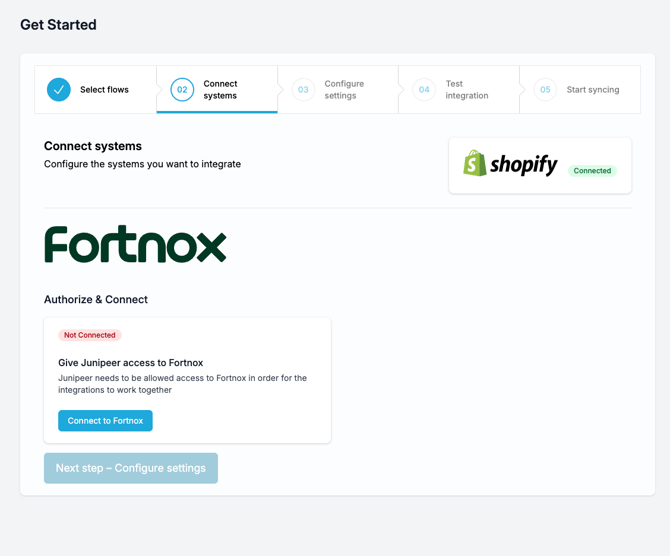
Login-based connection: Some platforms (for example Fortnox, Visma.net) show a Connect button.
Click it and sign in with your account credentials. Approve the requested permissions so Junipeer can access the data. -
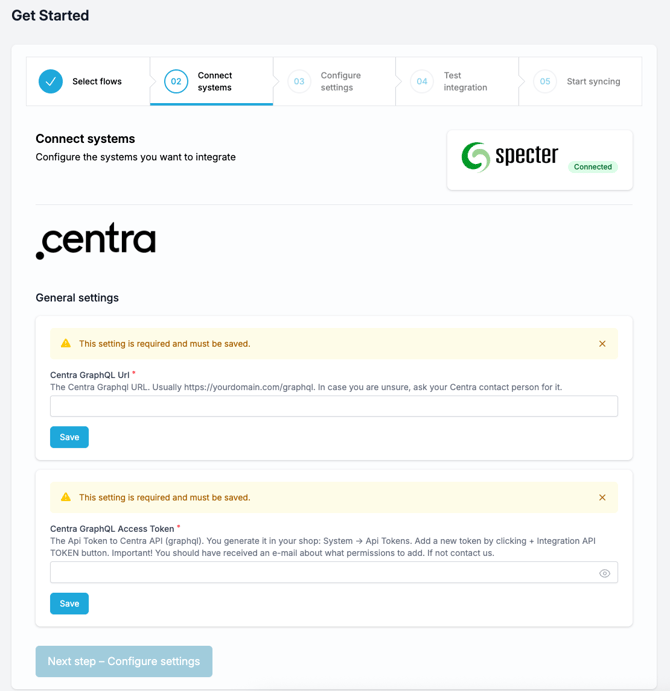
API key connection: Other platforms (for example Centra) require you to enter API credentials.
-
Click Save after filling in each field.
-
-
-
Confirm connection status
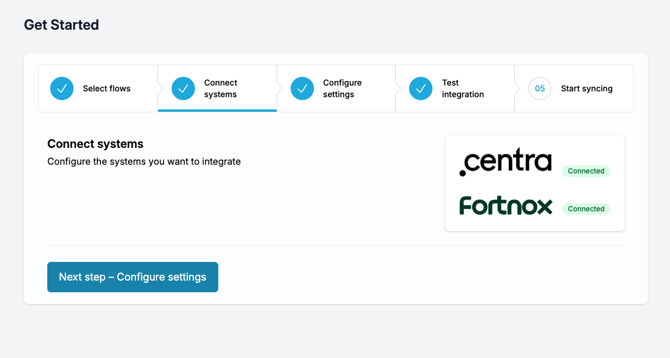
After you log in or save the API keys, each system shows a green Connected label when the connection is successful. -
Continue
When all required systems show as Connected, click Next step – Configure settings to move on.